Askwell

Askwell/Features/Payments with Stripe

Get paid in the same form

A workshop seat, a deposit, an order: the payment is a question like the others, and the money goes to your own Stripe account.

One click, no account. You get your own sample workspace with real forms and answers, cleared after seven days.

Payments with Stripeaskwell.techma.ai
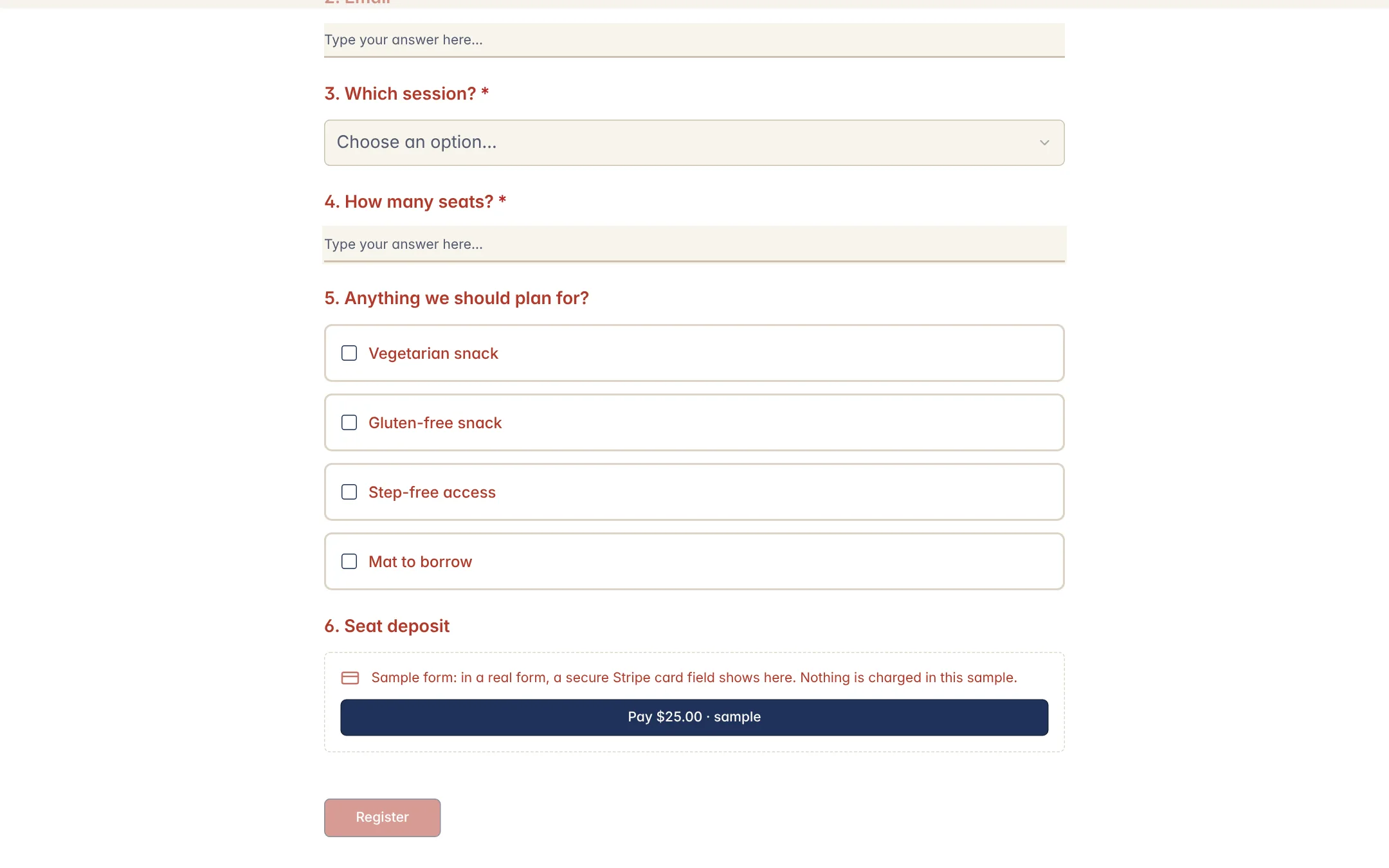
Askwell public form with a payment question in sample mode

How it works

  1. Connect your Stripe account in the settings, in test mode first.
  2. Add a payment question to a form and set the amount and currency.
  3. People pay by card inside the form. The payment is confirmed by Stripe and stored with the answer.

Safe to try

In the sample workspace, the Stripe account is a sample and nothing is charged: the payment question shows a clear sample button so you can see the whole flow.

In your own version, a test mode and a live mode are kept apart, and a warning appears if a key does not match the mode you chose. Stripe sends payment results back to the app through a webhook, so an answer is never marked paid on the word of the browser alone.

Good uses

  • Paid workshops and classes
  • Deposits for appointments or bookings
  • Small orders and pre-orders
  • Membership fees and donations of a set amount

Terms used on this page

Webhook

Questions

Asked before the first call

Does Askwell take a cut of payments?

No. Payments go to your own Stripe account. Stripe's own fees apply as with any Stripe payment.

Can people pay by card without leaving the form?

Yes. The card field is shown inside the form, and the bank's extra check, when there is one, comes back to the form afterwards.

● Your turn

Build a form. Answer it.

Askwell is a working application, not a mock-up. Open it, add a question, set a rule, publish, then answer your own form from your phone and watch the answer arrive.