Askwell

Askwell/Features/Share: link, QR code, embed

Put the form where they are

A link for emails and messages, a QR code for the counter or the poster, a frame for your website. One click publishes the form, one click takes it back.

One click, no account. You get your own sample workspace with real forms and answers, cleared after seven days.

Share: link, QR code, embedaskwell.techma.ai
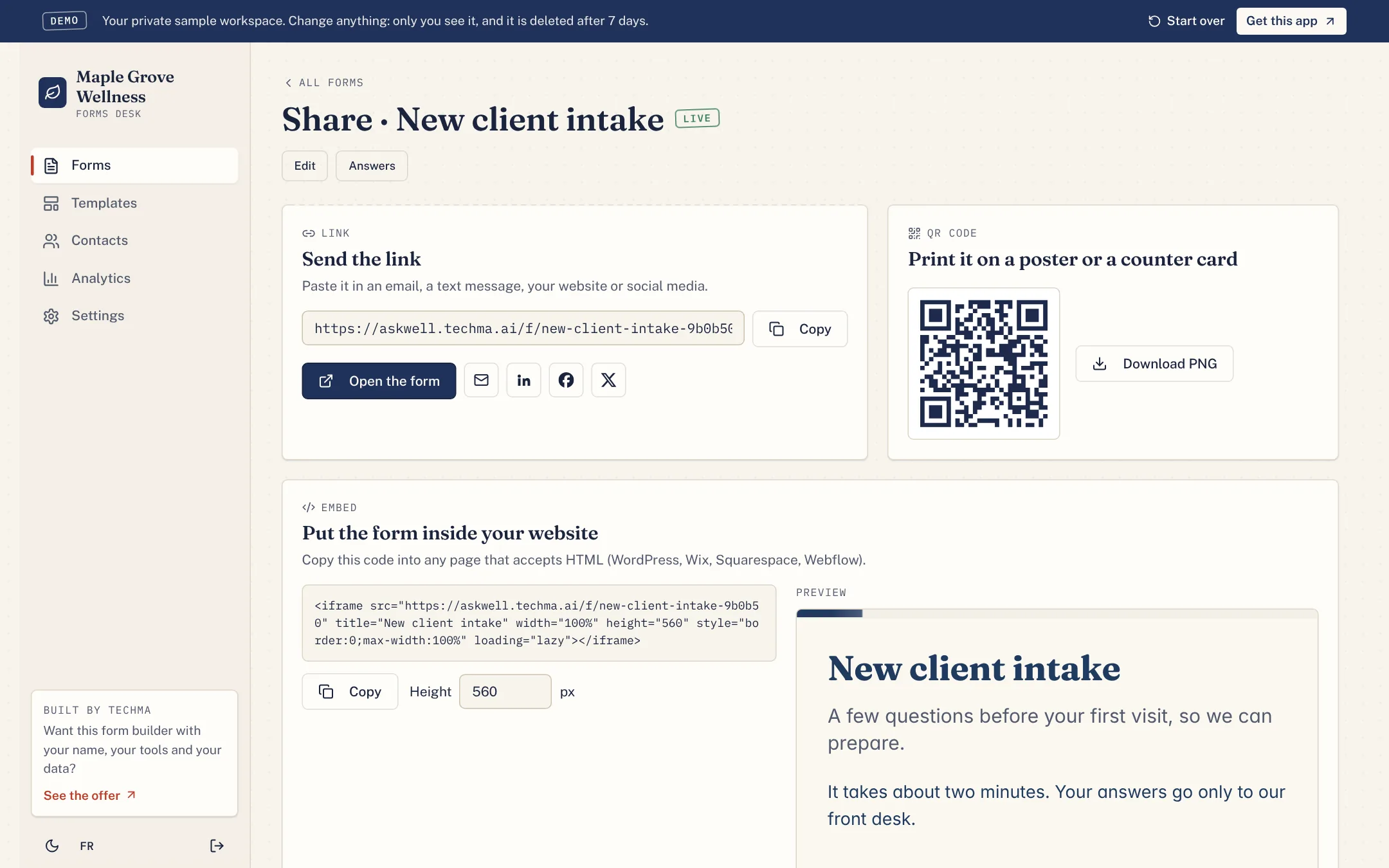
Askwell share page with the form link, a QR code and the embed code

Three ways to share

  • Link. Copy it into an email, a text message, a social post or your email signature.
  • QR code. Download it as an image and print it on a poster, a flyer, a receipt or a table card.
  • Embed. Paste a short code into your website and the form appears inside the page, with a height you choose.

Publish, and take it back

A form is a draft until you publish it. Drafts cannot be answered by the public. If something needs fixing, put the form back to draft from the menu, fix it, and publish again: the link and the QR code stay the same.

A clean address

Each form has its own address based on its title. Changing the title later does not change the address, so links you already sent keep working.

Questions

Asked before the first call

Does the QR code change when I edit the form?

No. It points to the form's address, which stays the same when you edit the form or its title.

Can I use my own domain?

Not in the demo. A version built for your business can serve forms from your own domain.

● Your turn

Build a form. Answer it.

Askwell is a working application, not a mock-up. Open it, add a question, set a rule, publish, then answer your own form from your phone and watch the answer arrive.